A
Add-On Pack
An expansion package that adds new games, artwork, or features to an existing CoinOPS build. Add-ons are installed by copying their contents to the build's root folder. Official packs are tested and supported; unofficial ones may cause issues.
Arcade Punks (AP, apunkz)
An ad-supported aggregator website with retro-gaming news, YouTube previews, download links and ads for gaming gear or warez . The download content is second-hand and occasionally corrupted from lack of quality control. AP monetizes freeware but does not support it, sending gamers on the sly to the CoinOPS discord. See also Unsupported.
ARISE
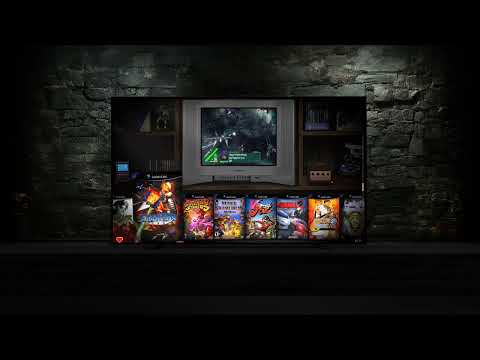
The latest generation of CoinOPS builds (2026). Built on top of the EVO 2 engine with MAME v0.284 and the newest RetroFE improvements. Launched January 2026 with BP Edition and Micro, then expanded with the Easter 2026 release: BP Edition PLUS (665 games), Micro BP Edition PLUS (280 games), Gems BP Edition PLUS (160 games), Max (1252 games), Street Fighter (15 games), plus 5 1UP builds.
Artwork
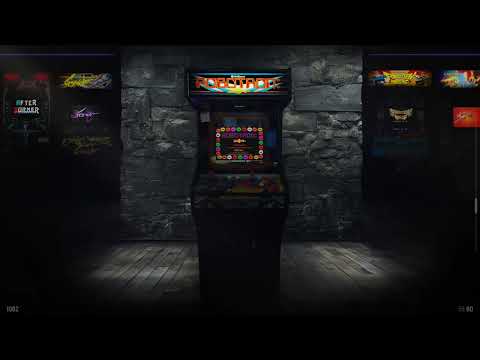
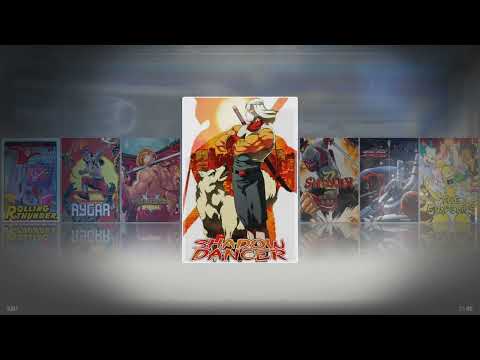
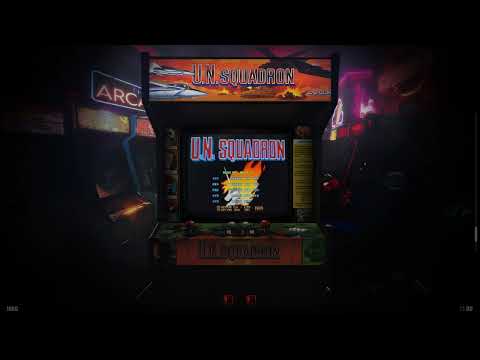
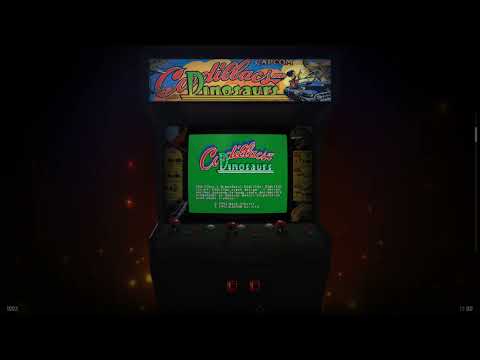
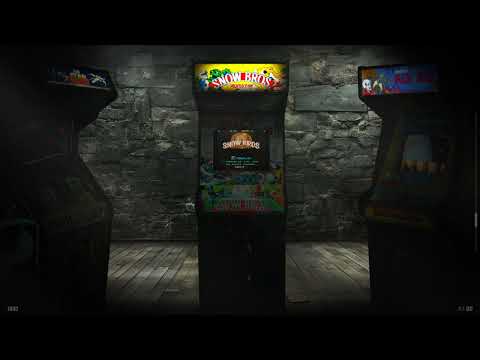
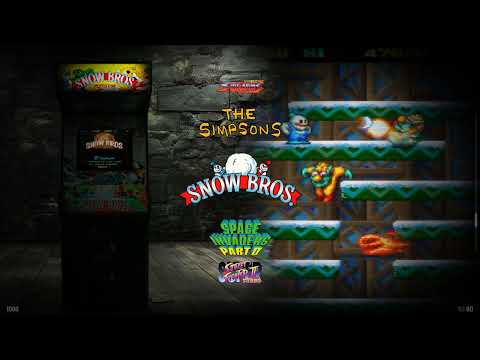
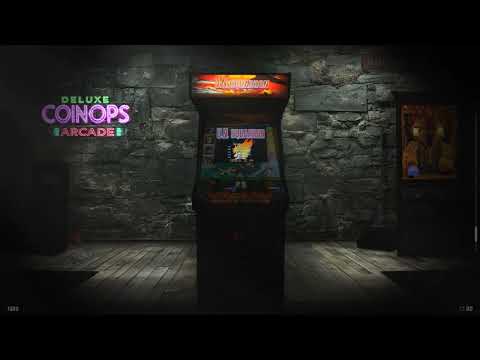
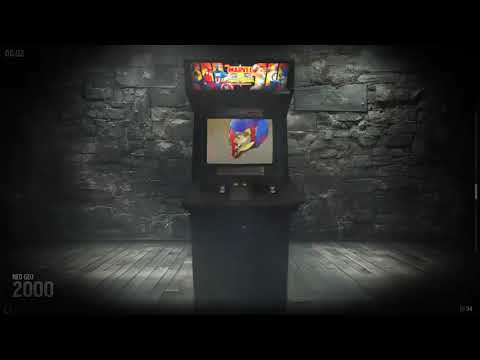
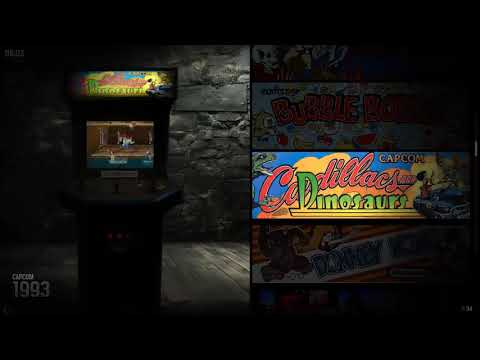
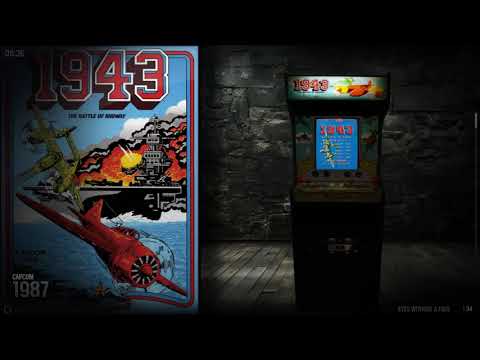
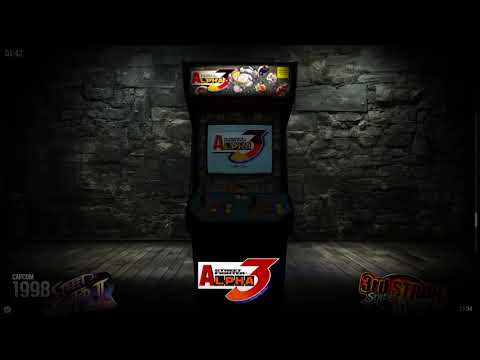
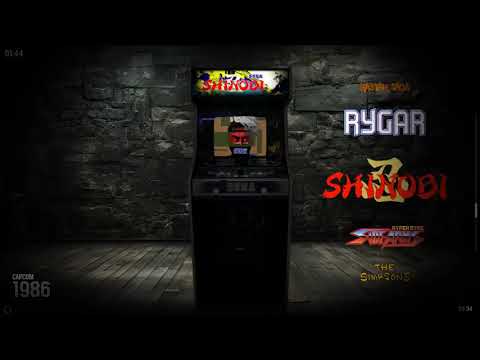
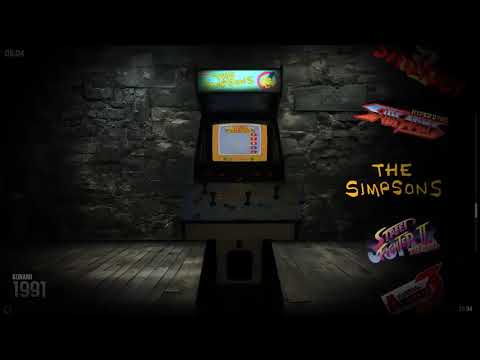
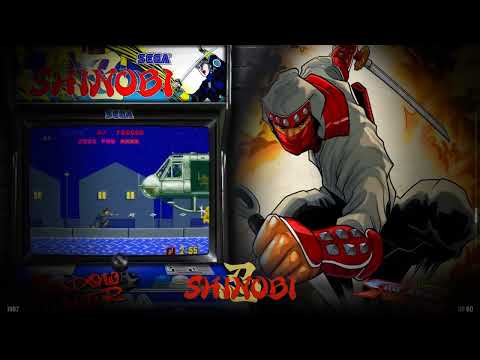
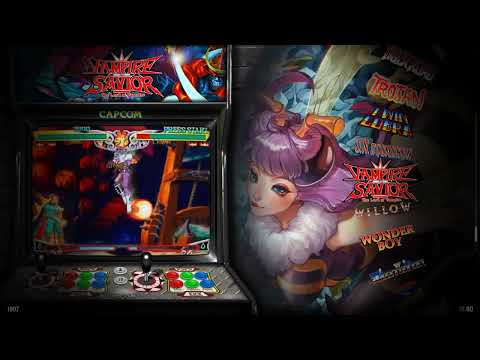
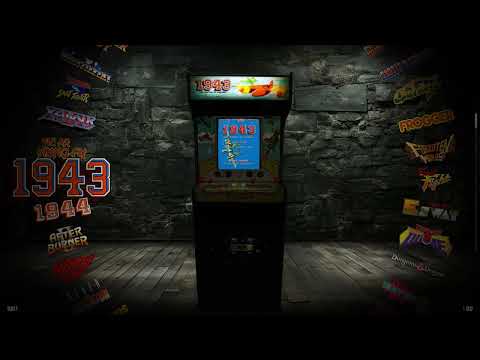
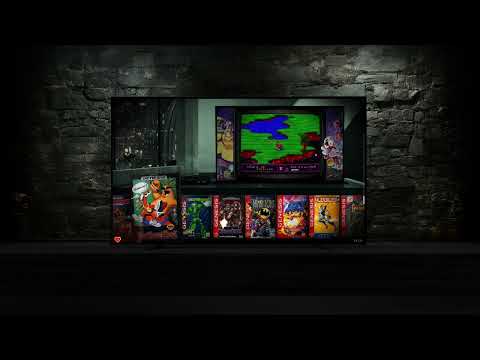
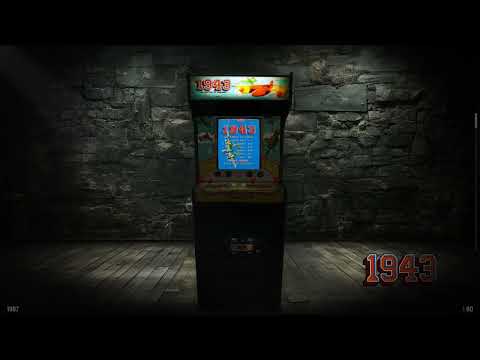
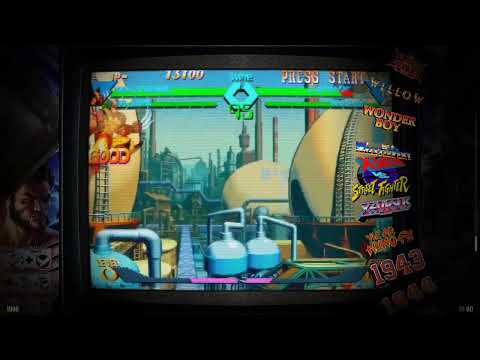
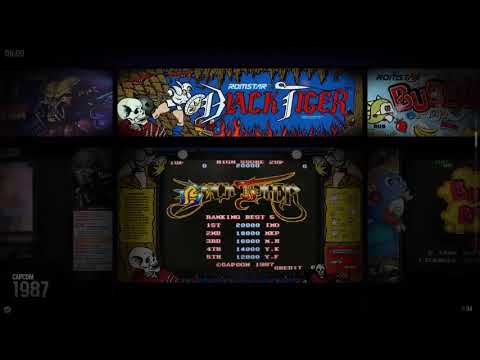
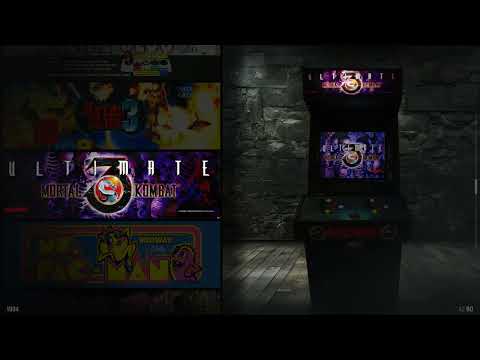
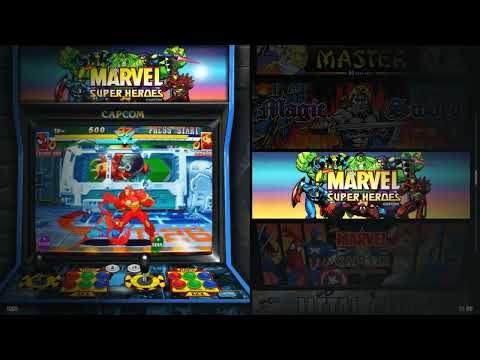
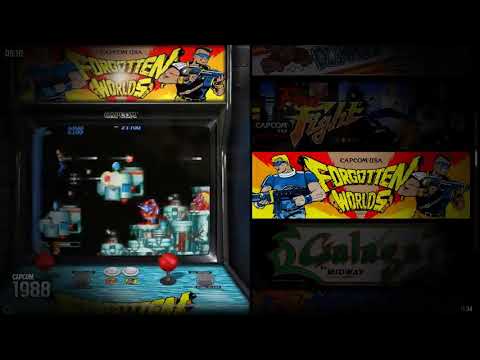
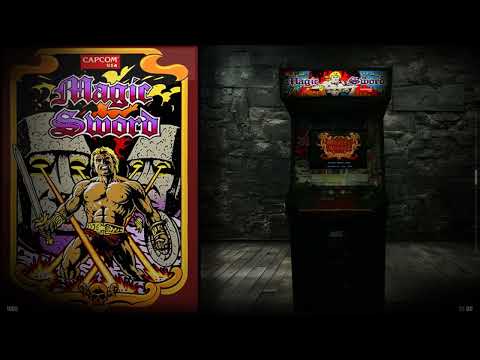
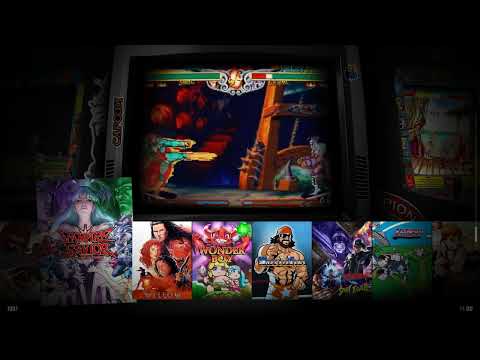
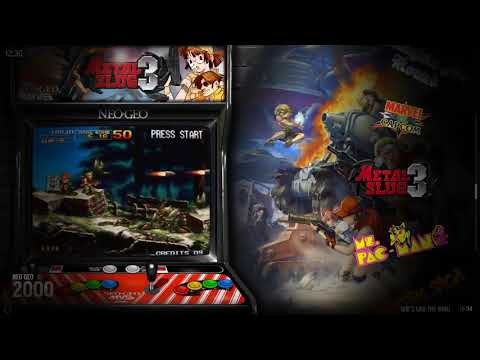
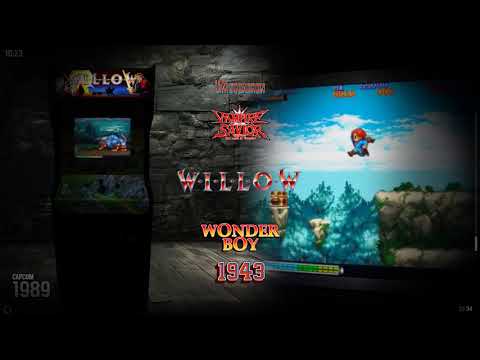
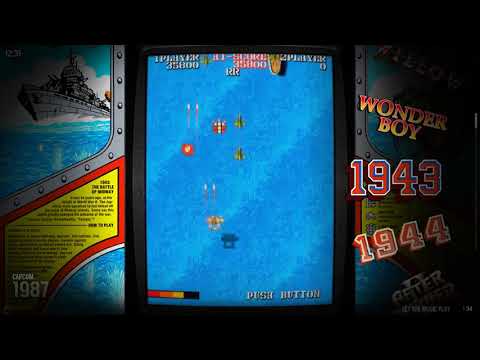
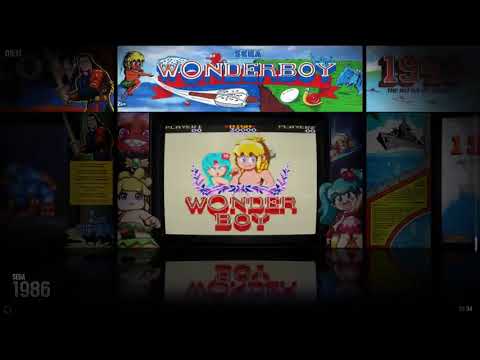
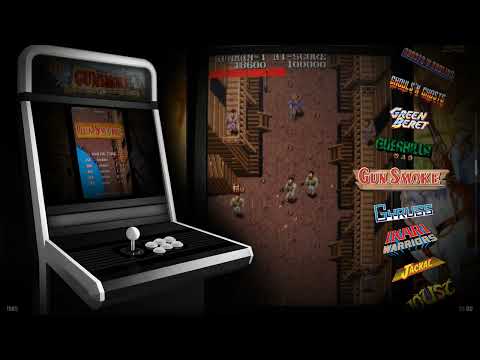
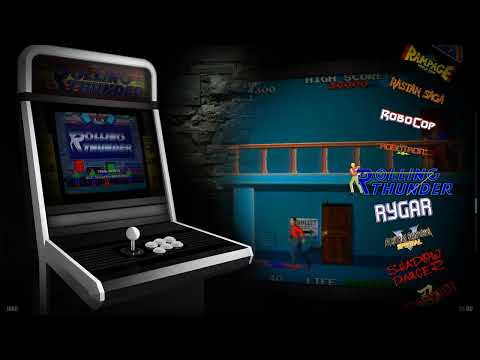
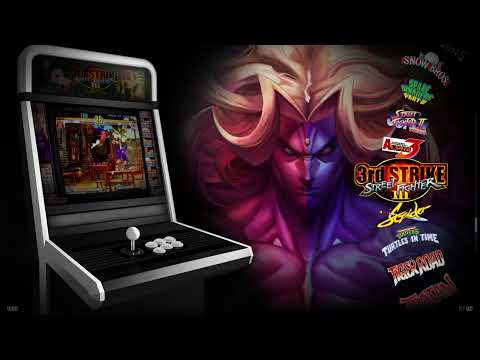
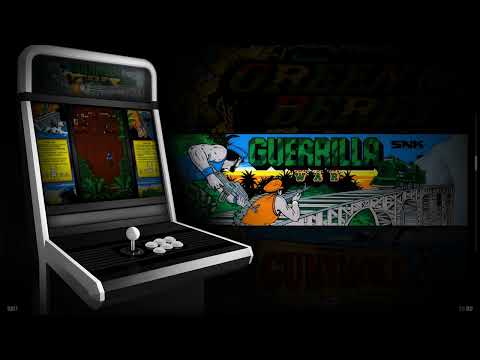
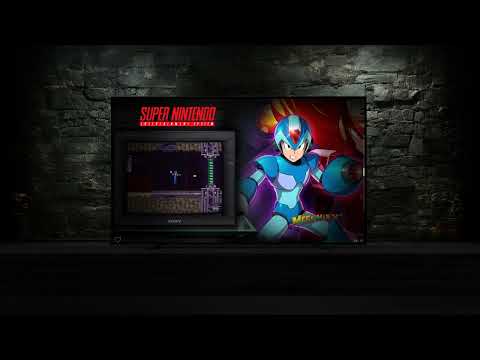
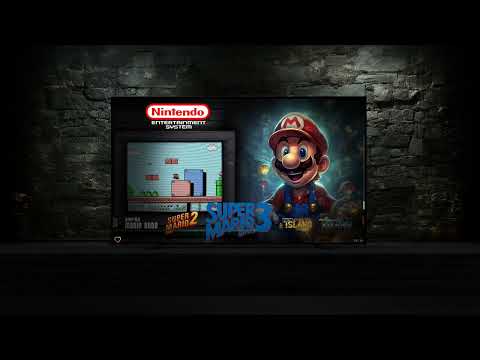
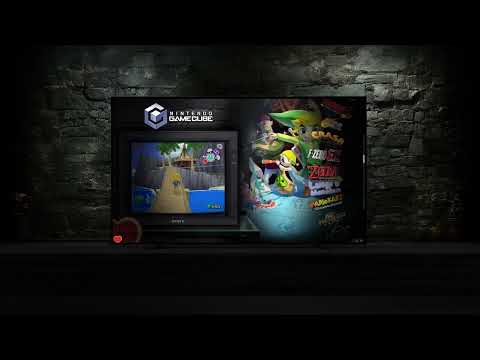
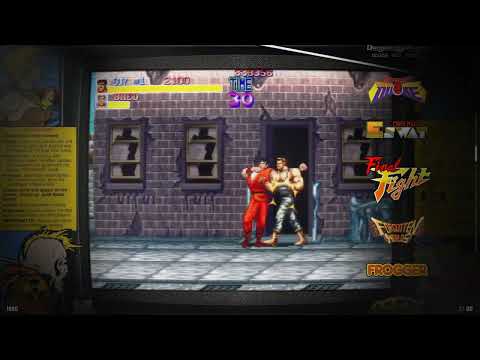
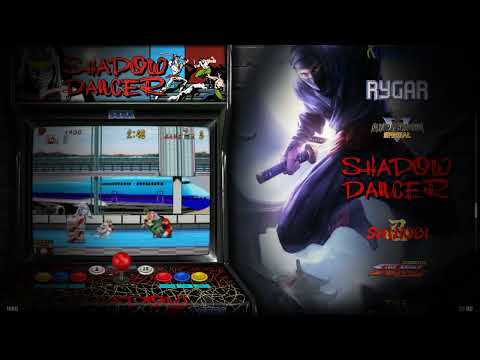
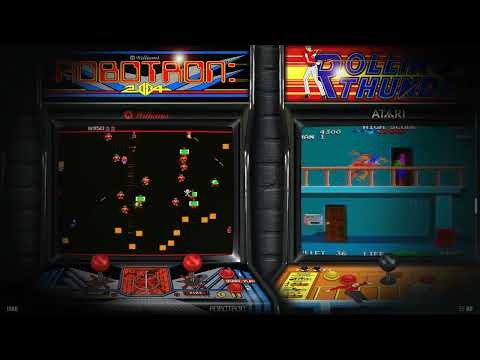
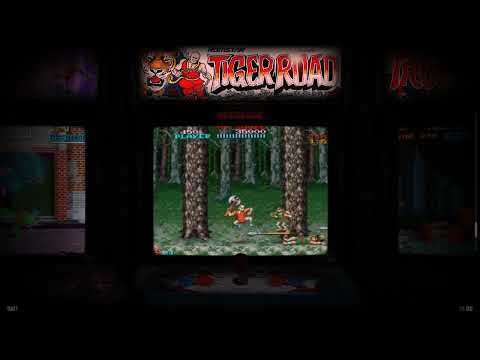
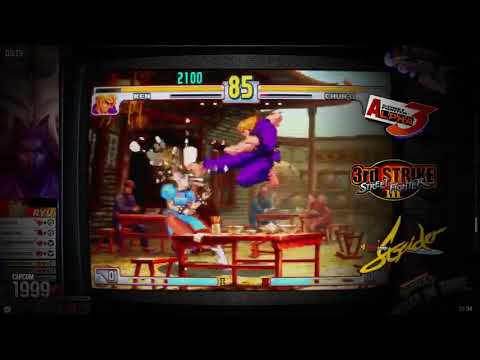
The visual assets associated with each game in a CoinOPS build — logos, video snaps, posters, box art, cabinet images, bezels, and marquees. Different themes display different combinations of artwork. Higher-end builds include more artwork types per game.
Atarashii
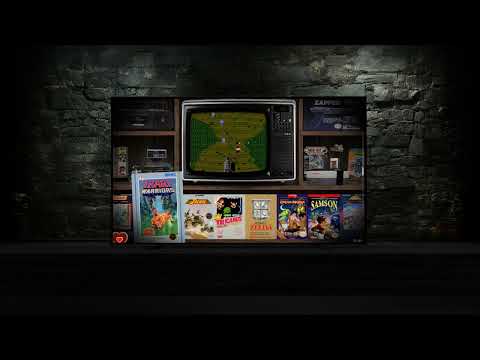
(“New” in Japanese) The next gen of CoinOPS builds. Major improvements were made to RetroFE while moving it to 64-bit with updated dependencies. All required artwork & videos are enhanced. In-game animated marquees can play, video clips run concurrently and dual monitors are supported. The "InigoBeats" built-in music player is included.
Attract mode
After a period of inactivity games in CoinOPS may automatically scroll by. Originally a trick from the coin arcade days using game video previews to get customers’ attentions.
Autoenter
A collection of games is selected simply when a joystick is released; no button pushing.
also
: Filter as it is the preferred term now for Genre when navigating in CoinOPS.
B
back-ups.me
The official download platform for CoinOPS builds. Hosts torrent files and direct downloads for all current and legacy builds. Not to be confused with third-party aggregator sites.
Banned
When a member has had their privileges to be on the CoinOPS for PC server revoked.
Bat
(batch executable, BAT) Makes changes to GUI, configurations or settings. Examples are ExcludeALL.bat and Settings Shutdown.bat. (Detail: SETTINGS SHUTDOWN CoinOPS.bat = When exiting CoinOPS, also shut down Windows completely.) There are a lot of customizations available. Look in Advanced Configs folder.
Bezel
The game artwork surrounding the display area to make up otherwise blank space.
BitTorrent
A communication protocol for peer-to-peer file sharing (P2P) which enables users to distribute files over the Internet in a decentralized manner. Besides being a P2P file transfer protocol, BitTorrent is also the name of the developer of that protocol (that now offers two different torrent client apps). There is no central source for the files; people are downloading files, and pieces of collections of files, which are being uploaded by others at the same time.
Borked
A build that has become messed up, either from a bad source or from user changes ( mods ) that affected the functionality. That’s why having a backup or RAR-set copy is key.
BritneysPAIRS
The lead developer and creator of the CoinOPS project. Has been building and refining CoinOPS for over 7 years across 310+ releases spanning 10 build generations.
C
Cab
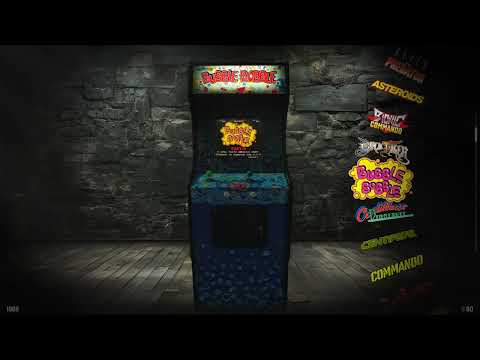
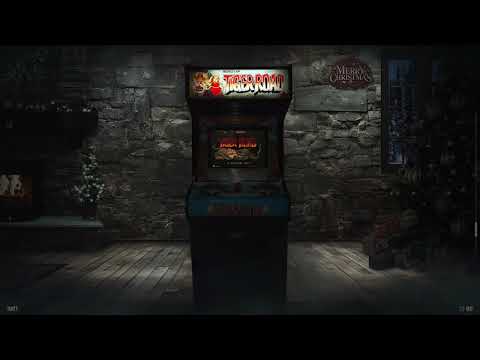
Artwork for a replica arcade cabinet, or an actual cabinet housing with arcade gaming setup.
Cabinet-Creators
A sub channel for gamers who’ve built arcade cabinets setups. This channel (and others) may sometimes get hidden from view when you collapse a major channel category such as CABINETS.
Category
A name for an organized assortment of games with all having their controls, play style (genre) or manufacturer in common. Examples are LaserDisc, Trackball, Twin Stick, Beat-Em-Ups, Puzzler and Atari. (See Collection ) Categories may appear in the navigation theme chosen for the GUI.
CHD
Video game disk image files used by MAME. For console games, often just a CHD file is required to capture all the game info. For emulating later advanced arcade games that used drives as storage systems, a CHD will have the graphics, sounds, music and video assets for a game, and the ROM(s) will contain the game itself.
Collection
Menu choices for games grouped by genre, content, play style or manufacturer. Examples of collections are Arcade Classics, Trackball, Racer, Midway Classics, PlayStation 2. (Note, for builds with theme choices visible in the GUI, the Settings for CoinOPS may appear in with the Collections, also, appearing as a gear icon.)
Composite Video
A special video type used in Deluxe Universe and ARISE builds where game footage is composited with background artwork, covers, or bezels into a single video file. More visually rich than standard video snaps but requires more storage.
Core
A plugin for RetroArch (RA) that is installed to do game emulation. Different cores can emulate different consoles.
Customisation App
A visual configuration tool included with EVO 2 and newer CoinOPS builds. Lets you change themes, shaders, bezels, splash screens, marquee settings, and more through a graphical interface instead of manually editing batch files. Also called the Customizer.
D
Deluxe
A CoinOPS build generation (2025) focused on large-scale collections with extensive artwork. Includes Deluxe Universe (~512 GB, the biggest build), Deluxe Arcade Edition, Deluxe MAX, and several variants. Succeeded by ARISE.
Dev
A CoinOPS Project developer, particularly for RetroFE. Some devs may specialize in artwork, coding, design, video creation, testing, or maintaining Discord channels, etc. They often participate as part of the Support crew.
Discord
A voice, video and text communication service to chat with friends and groups. Originally intended to be just for communicating while playing games online. The CoinOPS Project has its own "server" with members on the Discord.
Dinput
(direct input) Older controller interface, requires correct physical & PC file configurations.
DirectX
(esp. DX9 needed for MAME ) A set of Windows multimedia components for video & audio hardware that let games run properly. Important: DirectX ver. 9 can be installed from the –Fixes when-not-working! folder. It doesn’t matter if newer DX12 is installed in Windows by default, the earlier version DX9 must also be installed (entirely compatible) to enable MAME and CoinOPS to work correctly (see FAQ on the CoinOPS Discord ). So, it is normal to run DirectX 9/DXSETUP.exe after obtaining a CoinOPS build.
E
Emulator
(EMU) Software that mimics the original hardware of an arcade board or home console so games can run on a PC. In CoinOPS, emulators live in the emulators/ folder in the build root — e.g. emulators/mame/mame.exe or emulators/retroarch/retroarch.exe. RetroArch uses downloadable cores (one per system) stored in emulators/retroarch/cores/. The emulators/ folder is the convention, but an emulator can technically live anywhere in the build — even inside the system collection itself — as long as the launcher conf file points to the correct path.
Emulator Examples
Daphne (Laserdisc), Dolphin (GameCube, Wii), MAME (Atari, Capcom, Konami, Namco, PS2, Sega, SNES…), RetroArch (with proper cores for NES, Genesis, PS1, SNES), Redream (Dreamcast), to name a few.
Encoder
Circuit board that a PC identifies as a USB game controller device with joystick attached.
Enumeration
The detected order of controller devices that is assigned by the MAME emulator that is, in turn, used to identify (ID) them for mapping. Troubleshooting often focuses on whether MAME or the user has inadvertently caused controllers/gamepads/joysticks to be misidentified when the enumeration has changed their device ID number. (See also, mapping. )
EVO
Short for Evolution. The EVO build generation brought major engine improvements including 64-bit RetroFE, the Customisation App, ServoStik support, and in-game animated marquees. EVO 2 is the current engine base that ARISE builds upon.
Exclude
To designate or “blacklist” a file or folder in the antivirus app for status as not to be scanned. This is used to prevent removal of files from CoinOPS that are incorrectly being flagged as dangerous. The most common example is "steam_api.dll" being mis-identified as a virus or malware.
exclude.txt
A file inside a collection folder (collections/[Name]/) that acts as a blacklist. Any ROM name listed here (one per line, no file extension) is removed from the game list — even if it passed include.txt. Used to hide broken, duplicate, or unwanted games without deleting the ROM files. If the file is missing or empty, nothing is excluded.
F
Filter
CoinOPS Atarashii has dropped the use of Genres for the new preferred term, Filters. Filter = genre, and skipping is often per letter of game name. See also: Sort
firstCollection
A setting in the main settings.conf (build root) that tells RetroFE which collection to show first when the build launches. For example, firstCollection = Arcade94 opens the Arcade94 collection on startup. Different EXE launchers copy different settings files to change this value, which is how one build can offer multiple "views" of its game library.
Fixes when not working!!!
A folder in the CoinOPS root directory containing additional Windows components that are often required to let CoinOPS run properly.
Forgotten Worlds
A CoinOPS build series that includes both arcade and console games. Evolved through Forgotten Worlds → FW Atarashii → FW Atarashii 2 → FW EVO 2. Known for extensive game libraries and multiple theme options.
Frontend
(FE) A graphical interface that allows you to easily run game emulators. Free and/or open-source examples are HyperSpin, LaunchBox (LB), RetroArch (RA) and RetroFE (used in CoinOPS for PC). They have different capabilities for speed, GUI, game library management, etc.
G
Genre
The type of game based on its controls and how it plays. Examples are Fighter, Puzzler, Racer and Shoot-em-Ups (shmups). See
H
Helper
An image included in CoinOPS that shows the basic control scheme of the build it is in, configured for an Xinput style controller.
Helpers
A folder in the root directory with extra copies of CoinOPS artwork in it, plus templates for making extra artwork, MAME emulator source files, often a shelling configuration utility and more.
Hide
Entire types / categories of games or game console systems can be hidden. In some builds you can go to the Collections folder, then open the menu.txt based on your build. Put hide next to what you want to hide and save. If you ever want to unhide it just delete the word hide and resave. Also, there may also be an ExcludeALL file in each “main” collection that you can edit to exclude that collection. See also BAT. For instance, to hide the console titles, use the special executable in the older Player MAX build.
I
InigoBeats
The built-in music player in CoinOPS. Plays background tracks while browsing the game collection in the frontend. Volume, shuffle, and playback settings are configurable through the Customisation App.
include.txt
A file inside a collection folder (collections/[Name]/) that acts as a whitelist. If present and non-empty, only ROM names listed here (one per line, no file extension) will appear in the game list — everything else in the ROM folder is ignored. In arcade builds (ARISE, EVO), this is how games are curated. In universe-type builds, it's often empty, meaning all ROMs in the folder are shown. Note: include.txt can list more names than actually exist as ROM files — only matching files appear.
J
JoyToKey
(Joy2Key) Free donationware that converts controller signals into keyboard & mouse input that a Windows PC can recognize. Included with older CoinOPS builds (EVO 2, Deluxe Universe); removed in the ARISE generation.
L
LEDBlinky
A third-party application that controls LED-lit arcade buttons in cabinet builds. Illuminates only the active buttons for each game — a 2-button game lights up 2 buttons, a 6-button fighter lights all six. Integrated into CoinOPS via hooks.
Launcher
Configuration files in the build root's launchers.windows/ folder that define which emulator to run and with what arguments (executable + arguments). A collection's settings.conf points to a launcher by name (e.g. launcher = mame → launchers.windows/mame.conf). Per-game overrides in collections/[Name]/launchers/[Game].conf contain only a launcher name — this redirects that game to a different root launcher file (e.g. one with different arguments). There can be multiple launcher files for the same emulator with slightly different settings.
list.path
A setting inside a collection's settings.conf that tells RetroFE where to find the ROM files for that collection. Can be a relative path (e.g. list.path = emulators\mame\roms) or absolute. This is the first thing to check when adding games — drop your ROM into whatever folder this setting points to.
M
MAME
(multisystem arcade machine emulator) The very popular, principal emulator used for the majority of games run by CoinOPS for PC. MAME can emulate most classic arcade games (not Sega NAOMI), and some consoles systems like Genesis and SNES.
Mapping
The digitally assigned layout of connections of action buttons & controllers to the PC.
Marquee
In CoinOPS, this refers to either: (1) the per-game marquee artwork displayed on a second screen above the main display, or (2) the physical display panel itself. Marquees can be static images, animated PNGs, or video files. See also 2nd Screen.
medium_artwork
The folder inside each collection (collections/[Name]/medium_artwork/) that holds all visual assets for every game. Contains subfolders for each artwork type — e.g. logo/, screenshot/, video/, fanart/, and more depending on the build. Filenames must match the ROM name exactly (without extension). Which subfolders a build needs depends on its themes — check the Theme–Artwork Matrix.
Merge
A batch executable ( BAT ) may be in the Advanced Configs directory that will make all the console games appear in categories arranged by manufacturer. This is the opposite of Consoles_split.bat.
Merged
(Not referring here to a game list category in CoinOPS composed of several smaller categories merged together) Merged romsets give you a group of games with all the associated ROM files. That group of games will have a parent game ROM(s), and perhaps associated variations/clones of the original. MAME will be set to choose a primary game to run. (A clone ROM will not run without the parent ROMs. A clone might be a 4-player version of a 2-player game.) So, while non-merged or split romsets eliminate unwanted clones and file space, care must be taken while using them since required components in the set may be missing.
Mod
A modification of a game build, famously done by “modders” but anyone can do a mod.
N
Next 2
(aka Next) Older, slower, discontinued series of CoinOPS builds that was very popular but now slow and outdated. See Unsupported topic.
O
Official pack
(type of pack) An add-on game pack that has been approved by BP, and is created to not alter the structure of the build, and uses the emulators originally included. It is added by a simple copy & paste process. The correct file structure and matching artwork for the games are included.
Official TRUSTED pack
Has all the features of an Official Pack, but has also been tested more extensively by the Support team and other volunteer contributors.
P
Packed
CoinOPS files set still in the RAR fileset format. Full build is restored by Unpacking (extracting) the set of files.
Part01
A normal, redundant directory appearing after a multipart archive extraction. You can just move the contents of it to any directory you wish and then discard the empty X.part001 folder.
Pin
(Pinned) Really important info tacked to the top of a channel.
Playlist
A text file in collections/[Name]/playlists/ that defines a sub-view within a collection. Each playlist lists ROM names (one per line, no extension) to create filtered groups like "Beat-Em-Ups" or "Old School". Playlists can only show games that already passed the include.txt/exclude.txt filtering — they never add games, only subset them. Which playlists are active is controlled by the cyclePlaylist setting. Special playlists like favorites and lastplayed are auto-managed by RetroFE.
Policies
Rules set by BP and his project team members based on objectives for a smooth-running community plus their collective experience. See FAQ.
Potato
(potatoe) An old/low-end PC that may be unsuited to running the games being discussed (as in "No Potatoes!").
R
Red Carpet
The official CoinOPS Project support crew are hanging out there in a separate set of channels for development or testing work.
RetroArch
A multi-system emulator frontend used by CoinOPS to run console and handheld games. RetroArch uses downloadable cores — each core emulates a different system (SNES, PlayStation, etc.). In-game controls: L3+R3 for quick menu, F2 save, F5 load.
RetroFE
The open-source frontend engine that powers CoinOPS. Handles the visual interface, game browsing, theme rendering, video playback, and input. The CoinOPS team maintains a custom fork with extensive modifications. Available on GitHub.
ROM
A game file that contains the data from an original arcade board or game cartridge, read into a format that emulators can run. Arcade ROMs are used by MAME; console ROMs and CHDs are used by RetroArch cores.
Root
(Directory or root folder) The first or top-most directory in a file system hierarchy. Put CoinOPS there and avoid the possibility of the folder structure having too many deeper levels to be compatible with Windows OS. Mentioned in tips about where CoinOPS files are located or where a set of update/patch files will be copied to.
S
Search
Very powerful keyword find feature in the upper right part of a channel. Saves you and everyone else a lot of time. The FROM: (who), IN: (what channel) filters are handy, especially for searching the #FAQ channel. “Read the FAQ first, use search second, ask for Support or member help last.”
settings.conf
The main configuration file used at two levels in CoinOPS: (1) Build root — the global settings.conf (or numbered variants like settings5.conf) controls build-wide options including firstCollection, active playlists, and theme selection. (2) Collection level — each collections/[Name]/settings.conf defines that collection's list.path (ROM folder), list.extensions (accepted file types), and default launcher.
Second Screen
A secondary display output supported by CoinOPS for marquee panels, hi-scores, and music visualisation. Can be a small LCD strip, a full 16:9 monitor, or a thin LED panel. Configured through the Customisation App. Also called 2nd Screen.
ServoStik
A motorised arcade joystick that physically switches between 4-way and 8-way restrictor gates. CoinOPS EVO 2+ automatically sends the correct mode command when a game loads — Pac-Man gets 4-way, Street Fighter gets 8-way.
Shader
Graphics rendering feature for smoothing or enhancing CRT scanlines and/or pixelation effects.
Splash Screen
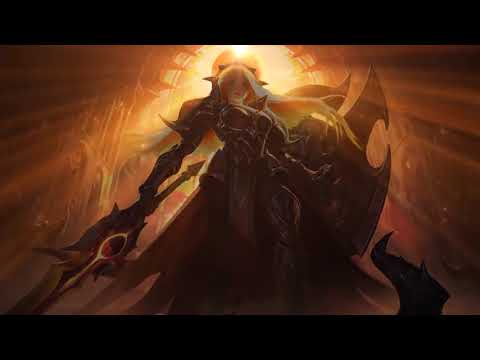
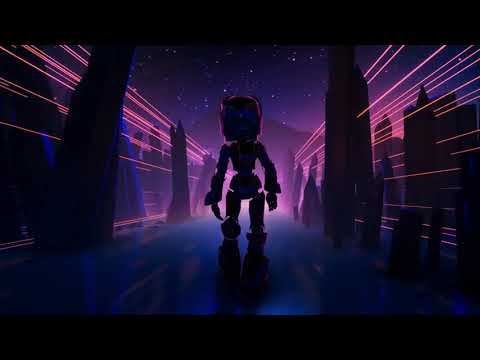
The video that plays when CoinOPS first launches, before the game menu appears. 8 splash screens are available (Blue, Red, Epic, Explode, Light, Outrun, Retro Robot, Warrior). Can be disabled entirely.
Support
Members earning this designation are active in CoinOPS teams for development & testing, user hardware & software help, plus creation of artwork, helpful documentation, etc. This is all good-will volunteer work from the member’s free time. They make the community really rock. (See also: Unsupported section of glossary.)
Shelling
Configuring a PC to boot up directly into the CoinOPS GUI (especially nice for cabinet setups). See “-Helpers” folder in the root directory.
Sort
A list that is grouped by common criteria. So, and skipping navigation will jump from one criteria to next (like year, no. of players, control scheme).
Split
A bat executable that may be in the Advanced Configs directory that will put all the console games to appear in a separate Consoles categories. This is the opposite of Consoles_merge.bat.
T
Theme
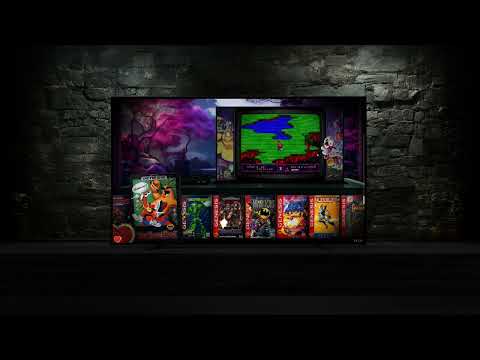
(GUI mode) The look and layout of many CoinOPS builds can be changed at the Settings “Collection” icon and/or by employing a bat file in the /Advanced Configs directory folder.
Torrent
A torrent can have two meanings. The first, most common meaning is when you download/share a file set, the file collection may be called a torrent. BitTorrent is a particular popular and efficient protocol for handling torrents. The original, now secondary, meaning of a torrent is also a small file that, when used with a BitTorrent client, tells the client how to find the and download the file collection it corresponds to.
Torrent Client
(BitTorrent client, client): An app that manages large torrent file sharing and downloading.
U
Unofficial pack
An add-on collection of games to be copied to a specific build but it is not approved nor tested by Support. It may add new game categories, and possibly add additional emulators, or not follow the precise CoinOPS file structure.
Unpack
To extract an archive, especially a multipart archive set. Tip: resultant files may appear in a X.part01 directory folder that will be an artifact from the unpacking. CoinOPS game files and subfolders can be moved from there.
Unsupported
(builds) Older, slower, discontinued series of CoinOPS builds do not receive official help from the Support volunteers. Fellow community members may offer help with these or a Support crew member may take time out to help. See also the other, broader Unsupported topic.
Unsupported
(systems) See Rules. Examples: do not ask the Support crew for an assist with Arcade Dreamcast, NesicaXLive, Nintendo Switch, Saturn, and other current generation systems or games. Teknoparrot is also not supported for several reasons.
Update
A set of files to patch deficiencies in an official CoinOPS build. Usually includes updates to themes and artwork, also. Found on Back-ups:me, of course. Info on a particular update may often be in the FAQ or pinned in a channel.
V
Video Types
CoinOPS uses several video formats per game: video (standard snap), videoFULL (fullscreen gameplay), videoCAB (cabinet perspective), videoSD (standard definition), videoATTRACT (attract mode clip), videoDELUXE (deluxe composite), and videoANGLED (angled cabinet view). Different themes display different video types.
W
Warez
For retro gaming, this is a negative buzzword for currently produced video games and pinball titles that are copied and distributed dishonestly for free or even sold online. Generally, abandonware and old cabinet arcade games are not considered warez. Also, many console games from the last century are not either. “Day One” warez are brand new, paid games that are made available on the web with no monies going to the manufacturer. Importantly, in the CoinOPS Discord Rules channel it states that no requesting of ROMs is allowed. Users are on their own when it comes to the ownership of video games that are, or were previously, on the market.
WinRAR
The archiver/dearchiver app most often recommended by the CoinOPS Project team.
X
Xinput
(default API for CoinOPS) Xbox-type input controller interface. Needs correct physical & PC file configurations, but these are pre-configured in CoinOPS builds. (Contrast this with the older Dinput API.)
Xbox controller
The default type of analog input device for CoinOPS; the Xbox 360 version or newer.
Z
Zero-delay
Generic term for inexpensive Chinese joysticks and their encoded controller boards.


 ARISE BUILDS
 1UP EDITIONS